Shared vs VPS vs Cloud Hosting: Which One Do You Actually Need?
Picking a hosting plan feels like ordering from a menu written in another language. Shared, VPS, cloud: they all promise speed, and the prices jump from $3 to $50 a month for reasons nobody explains.
This guide breaks down shared vs VPS vs cloud hosting in plain English. You will see what each one is, what it really costs in 2026, and exactly when to upgrade.
Disclosure: SoftwareStackPro may earn a commission if you sign up through some links on this page. It never changes our verdicts.
Quick answer:
- Shared hosting is right for new blogs, portfolios and small business sites. Most sites under about 25,000 monthly visits never need more.
- VPS hosting is right when your site slows down at busy times, or you need root access to install your own software.
- Cloud hosting is right for online stores and sites with traffic spikes that cannot afford to go down.
In this guide
- The simple way to understand hosting types
- Hosting by the numbers
- Shared hosting explained
- VPS hosting explained
- Cloud hosting explained
- Side by side comparison table
- Real 2026 prices, intro vs renewal
- 5 signs it is time to upgrade
- FAQ
The simple way to understand hosting types
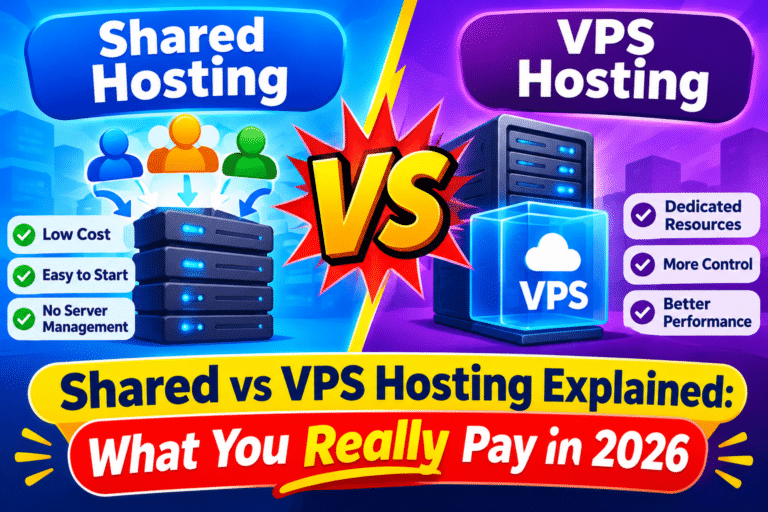
Think of a server as a building. The type of hosting you buy decides how much of that building you get.
- Shared hosting is a hostel dorm. You share one room, one kitchen and one bathroom with hundreds of other guests. It is cheap, but a noisy neighbour affects everyone.
- VPS hosting is an apartment. You still share the building, but your rooms are locked and your resources are yours alone.
- Cloud hosting is a hotel chain. If one building gets crowded, you get moved to another one instantly. You pay for the rooms you actually use.
Keep that picture in mind. Every difference below comes back to it.
Web hosting by the numbers in 2026
Before choosing, it helps to know where most websites actually live. Here are the numbers that matter.
Shared hosting is still the giant. According to Hostinger’s 2026 web hosting statistics, the shared hosting market is set to reach about $70.6 billion in 2026, while the VPS market sits near $6.4 billion.
The same report finds that Amazon Web Services, Microsoft Azure and Google Cloud together control close to 80% of the cloud infrastructure market. Shared plans typically cost $3 to $15 a month, while dedicated servers run $80 to $500.
WordPress powers about 42.6% of all websites, according to W3Techs. That matters because every hosting type below runs WordPress well, so your choice comes down to traffic, budget and control.
Why your hosting type affects your Google rankings
Speed is where hosting choice shows up in your traffic. Google’s research found the chance of a visitor bouncing rises 32% as load time grows from 1 second to 3 seconds.
Google also found that 53% of mobile visitors leave a page that takes longer than three seconds to load. A Backlinko study of 11.8 million search results found the average first page result loads in just 1.65 seconds.
Your host is not the only speed factor, but it sets the ceiling. A slow server makes every other optimisation work harder.
Shared hosting: cheap, simple and enough for most new sites
With shared hosting, your website lives on one server alongside hundreds of others. Everyone shares the same CPU, memory and storage.
The host handles security, updates and server maintenance. You just log in to a dashboard, click “install WordPress” and start building.
Pros of shared hosting
- Cheapest option, often $2 to $4 a month on a long first term
- No technical skills needed
- Free domain, SSL and email are usually included
- One click WordPress installs and free migrations
Cons of shared hosting
- Other sites on your server can slow you down
- Hard limits on CPU and memory, even on “unlimited” plans
- No root access, so you cannot install custom server software
- Renewal prices are often 2 to 4 times the intro price
Best for: new blogs, personal sites, portfolios, small business brochure sites and affiliate sites in their first year or two.
Not sure which shared host to start with? Our cheapest web hosting for beginners guide ranks the best budget options. You can also see how the two biggest names compare in Bluehost vs Hostinger.
VPS hosting: your own space without the big price
VPS stands for virtual private server. One physical server is split into several virtual machines, and each one gets a fixed slice of CPU, RAM and storage.
Your neighbours still exist, but they cannot touch your resources. If another site gets a traffic surge, your site keeps running at full speed.
You also get root access. That means you can install any software, run apps like Node.js or Docker, and configure the server exactly how you want.
Managed vs unmanaged VPS
This is the part most beginners miss. An unmanaged VPS gives you a blank server, and you handle updates, security and backups yourself.
A managed VPS costs more, but the host does that work for you. If you have never used a command line, choose managed or stay on shared hosting a little longer.
Pros of VPS hosting
- Guaranteed resources that nobody else can use
- Faster and more stable under heavy traffic
- Full root access and custom software
- Better security isolation than shared hosting
Cons of VPS hosting
- Costs roughly 2 to 5 times more than shared hosting
- Unmanaged plans need real technical skill
- Resources are fixed, so a big spike can still overload you
Best for: growing sites with steady traffic, developers, agencies hosting client sites, and anyone running custom apps or automation tools.
Cloud hosting: flexible power that grows with you
Cloud hosting spreads your website across a network of connected servers instead of just one. If one server fails, another takes over.
Resources can also scale up when traffic spikes and scale down when it drops. Many cloud providers bill by the hour, so you only pay for what you use.
Raw cloud platforms like AWS and Google Cloud are powerful but complex. Most site owners use a managed cloud host such as Cloudways, which puts a simple dashboard on top of providers like DigitalOcean and AWS.
Pros of cloud hosting
- Handles traffic spikes without crashing
- Very high uptime thanks to built in redundancy
- Scale resources up or down in minutes
- Pay as you go billing on many platforms
Cons of cloud hosting
- Monthly bills can change with your usage
- Usually no free domain or bundled email
- Raw cloud platforms have a steep learning curve
- Overkill for small sites with low traffic
Best for: online stores, membership sites, news sites, SaaS products and any business where an hour of downtime means lost sales.
Shared vs VPS vs cloud hosting: side by side
Here is how the three hosting types stack up on the things that matter most.
| Feature | Shared | VPS | Cloud |
|---|---|---|---|
| Typical price | $2 to $11/mo | $6 to $30/mo | $8 to $50+/mo |
| Resources | Shared with others | Dedicated slice | Pooled and scalable |
| Performance | Good for low traffic | Strong and stable | Strongest under spikes |
| Scalability | Limited | Manual upgrade | Instant, often automatic |
| Technical skill | None | Medium (managed) to high | Low (managed) to high |
| Root access | No | Yes | Yes on most plans |
| Uptime risk | One server, shared | One server, isolated | Many servers, redundant |
| Best for | New and small sites | Growing sites and apps | Stores and high traffic sites |
Real 2026 prices: intro vs renewal
The price on the sales page is rarely the price you pay in year two. Here is what popular entry plans cost in October 2026.
| Plan | Type | Intro price | Renewal price |
|---|---|---|---|
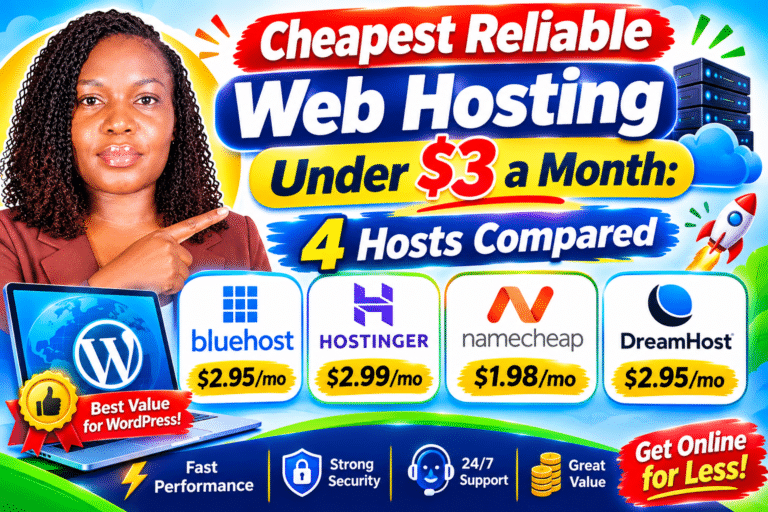
| Hostinger Premium | Shared | $2.99/mo (48 mo term) | $10.99/mo |
| Bluehost Starter | Shared | $3.99/mo (36 mo term) | $9.99/mo |
| Hostinger KVM 1 | VPS | $6.49/mo (24 mo term) | $11.99/mo |
| Hostinger KVM 2 | VPS | $8.99/mo (24 mo term) | $14.99/mo |
| Hostinger Cloud Startup | Cloud | $7.99/mo | $25.99/mo |
| Cloudways DigitalOcean (1 GB) | Managed cloud | From $11/mo | Same, billed hourly |
Prices from each provider’s pricing page and Website Builder Expert’s Hostinger pricing breakdown. Hosts change prices often, so confirm before you buy.
Watch the renewal jump. Shared plans often renew at 3 to 4 times the intro price. Cloudways is one of the few hosts that charges the same rate every month, with no intro discount and no renewal shock.
We break down every renewal trap in our guide to free domain hosting deals that are actually worth it. Our Bluehost review and Hostinger review cover renewal costs for each host in detail.
5 signs it is time to upgrade from shared hosting
Most people upgrade too early and waste money. Upgrade only when you see one or more of these signs.
- Your pages load slower than 3 seconds even after caching and image compression. Test with Google PageSpeed Insights.
- Your host sends “resource limit” warnings or temporarily suspends your site for using too much CPU.
- Your site slows down at busy times, like after a newsletter goes out or a post goes viral.
- You need software shared hosting will not allow, such as Node.js apps, Docker or automation tools like n8n.
- Downtime now costs you real money, usually because you run an online store or take bookings.
The smart upgrade path: Shared hosting first. Move to a managed VPS or managed cloud plan once you hit the limits above. Skip unmanaged servers unless you enjoy server admin.
Which hosting type should you choose?
Answer these three questions and you will have your answer.
| If your situation is… | Choose |
|---|---|
| Brand new site, tight budget, no tech skills | Shared hosting |
| Blog or business site with under 25,000 monthly visits | Shared hosting |
| Steady growing traffic, or you need root access | VPS (managed if you are not technical) |
| Developer running apps, bots or several client sites | VPS |
| Online store, or traffic that spikes without warning | Cloud hosting |
| Downtime directly costs you sales | Cloud hosting |
Building a WordPress site from scratch? Follow our step by step guide on how to start a WordPress blog. Readers in East Africa should also see our picks for the best web hosting for WordPress beginners in Kenya and Africa.
Frequently asked questions
What is the main difference between shared, VPS and cloud hosting?
Shared hosting splits one server’s resources among many sites. VPS gives you a private, fixed slice of a server, and cloud hosting spreads your site across many servers that scale on demand.
Is VPS faster than shared hosting?
Usually, yes. A VPS gives you dedicated CPU and RAM, so other sites cannot slow you down during their busy times.
Is cloud hosting better than VPS?
Cloud hosting is better for sites with unpredictable traffic because it scales automatically and survives server failures. A VPS is often cheaper and simpler for steady traffic.
Can I start on shared hosting and upgrade later?
Yes. Most hosts let you upgrade to VPS or cloud from your dashboard, and many offer free migration.
How much traffic can shared hosting handle?
A well optimised WordPress site on good shared hosting can usually handle tens of thousands of monthly visits. Heavy plugins, online stores and sudden spikes lower that limit.
Do I need technical skills for VPS or cloud hosting?
Only for unmanaged plans. Managed VPS and managed cloud hosts like Cloudways handle security, updates and backups for you.
Final verdict
For most readers, shared hosting is the right place to start. It is cheap, easy and fast enough for a new site to grow and earn.
Move to a VPS when you need guaranteed power or root access, and to cloud hosting when uptime directly protects your income. Still comparing hosts? Browse our full web hosting reviews or read our best website hosting guide.

By Vincencia Anyango · Founder & Lead Reviewer
Last updated: October 2026 · 9 min read
IT graduate and freelance web specialist who has built WordPress sites and run email campaigns for clients since 2020. Every review on SoftwareStackPro is based on hands-on testing. More about how I review →
Related reading:
👉Cheapest Web Hosting in 2026: What You Really Pay After Renewal