Kit vs Mailchimp: Which One Should Bloggers Choose?

By Vincencia Anyango · Founder & Lead Reviewer
Last updated: October 2026 · 12 min read
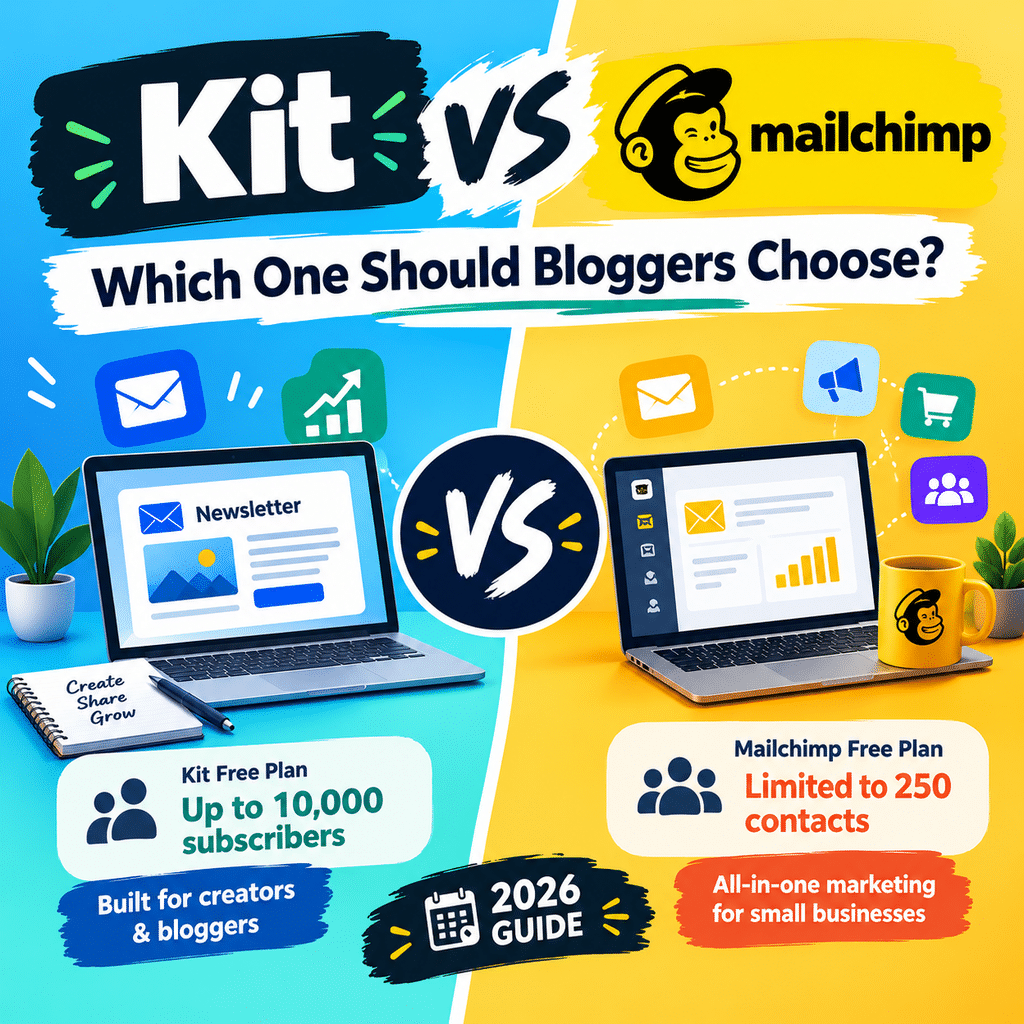
Kit vs Mailchimp is the first real choice most bloggers face when they start an email list. Both tools send newsletters, but they are built for very different people.
Email still pays. It returns about $36 for every $1 spent, according to Litmus data cited by OptinMonster.
The audience keeps growing too. Email users worldwide are expected to pass 4.8 billion by 2027.
So the tool you pick matters. This guide compares pricing, free plans, ease of use, automation and monetization from a blogger’s point of view.
Kit vs Mailchimp at a Glance
| Feature | Kit | Mailchimp |
|---|---|---|
| Built for | Bloggers, creators, newsletter writers | Small businesses and online stores |
| Free plan | 10,000 subscribers, unlimited emails | 250 contacts, 500 emails a month |
| Cheapest paid plan (monthly billing) | Creator, $39 for 1,000 subscribers | Essentials, $13 for 500 contacts |
| Automation on free plan | 1 basic visual automation | None |
| Email editor | Simple, text first | Drag and drop, design rich |
| Sell digital products | Built in, 3.5% + $0.30 per sale | Needs a separate tool |
| Billing counts | Active subscribers only | All stored contacts, including unsubscribed |
| Best for bloggers who | Want to grow and monetize a list | Want polished designs and store data |
Prices are in US dollars and were checked in October 2026. Always confirm on Kit and Mailchimp before you buy.
Pricing: What Bloggers Actually Pay
Pricing is where these two tools split apart. Kit gives you a long free runway, while Mailchimp starts cheap and climbs.
Free plans
Kit’s free Newsletter plan covers up to 10,000 subscribers with unlimited emails. You also get unlimited forms, unlimited landing pages and one basic automation.
Mailchimp’s free plan covers 250 contacts and 500 emails a month, with a cap of 250 a day. It was cut from 500 contacts in February 2026, as EmailToolTester’s pricing breakdown explains.
That means Kit’s free plan holds 40 times more subscribers. For a new blog, that gap decides the contest.
Paid plans by list size
| List size | Kit (monthly billing) | Mailchimp (monthly billing) |
|---|---|---|
| 250 | $0 on Newsletter | $0 on Free |
| 500 | $0 on Newsletter | $13 Essentials or $20 Standard |
| 5,000 | $0 on Newsletter, or $79 on Creator | $75 Essentials or $100 Standard |
| 10,000 | $0 on Newsletter, or $139 on Creator | About $135 on Standard |
Kit’s Creator plan starts at $39 a month for 1,000 subscribers, or $33 a month billed yearly. It rose from $29 in September 2025, so Kit is no longer the cheap option once you pay.
Mailchimp looks cheaper at small sizes. But two details push the real bill up.
First, Mailchimp counts every stored contact, including people who unsubscribed. Kit only bills for active subscribers.
Second, Mailchimp limits your sends. Essentials allows 10 emails per contact a month and Standard allows 12, while Kit sends are unlimited.
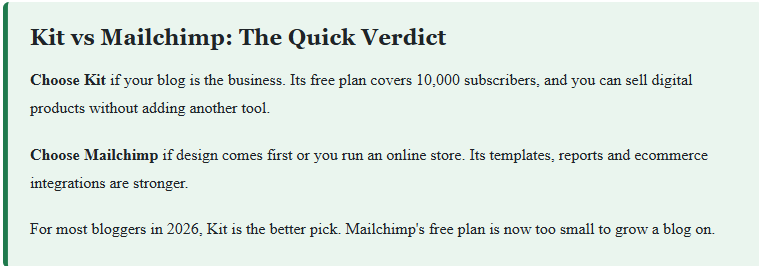
Winner: Kit. A blogger can reach 10,000 readers before paying anything.
Want a cheaper paid plan than either? Read our MailerLite review.
Ease of Use and Email Design
Kit keeps things simple. You write your email like a blog post and hit send.
The editor is plain on purpose. There are only a handful of templates, and most Kit emails look like a personal note.
That suits bloggers well. Readers signed up for your words, not a glossy flyer.
Mailchimp goes the other way. Its drag and drop builder has far more templates and layout options.
That power comes with clutter. The dashboard now covers email, ads, social posts and websites, so new users can feel lost.
Winner: Mailchimp for design, Kit for speed. If you send text based newsletters, Kit is the easier tool to live with.
See both editors in our Kit review and our Mailchimp review.
Automation, Forms and Landing Pages
Automation is how a blog earns while you sleep. A welcome series, a free download and a product pitch can all run on their own.
Kit’s visual automation builder is its best feature. You link forms, tags and email sequences on one clean canvas.
The free plan includes one basic automation. That is enough for a welcome email or a lead magnet delivery.
Full automations unlock on the Creator plan at $39 a month. You also get unlimited sequences from there.
Mailchimp’s free plan has no automation at all. Its proper branching workflows only start on the Standard plan, from $20 a month.
Forms and landing pages follow the same pattern. Kit gives you unlimited forms and landing pages on every plan, including the free one.
Kit also organizes readers with tags instead of separate lists. One reader is one subscriber, no matter how many forms they fill in.
Winner: Kit. Bloggers get automation and unlimited opt in forms without paying.
Monetization: Turning Readers Into Income
This is where Kit pulls ahead for bloggers. It treats your list as a business, not just a mailing tool.
You can sell ebooks, templates and paid newsletters inside Kit. The fee is 3.5% plus $0.30 per sale, with no monthly charge.
On a $50 ebook, that works out to $2.05 per sale. You keep $47.95.
Kit also has a Creator Network. It lets you swap recommendations with other creators to grow your list faster.
Mailchimp has no built in store for digital products. You need a tool like Gumroad or Shopify, plus an integration.
Mailchimp is stronger if you sell physical products. Abandoned cart emails, product recommendations and revenue tracking are its home ground.
Winner: Kit for bloggers selling digital products. Mailchimp wins only if your blog sits beside an online store.
Deliverability, Integrations and Reports
Deliverability means how many emails reach the inbox. Independent tests do not agree on a clear winner here.
EmailToolTester’s January 2024 test gave Mailchimp an 89.5% inbox rate. The average across tools in that test was 83.1%.
Kit was not part of that test. Other reviewers rate Kit higher, partly because plain text emails tend to avoid the Promotions tab.
The honest takeaway is this. Both tools deliver well if you keep a clean list and verify your sending domain.
Integrations favor Mailchimp. It connects to more than 300 apps, while Kit covers around 100 creator focused tools.
Reports favor Mailchimp too. You get click maps and revenue reports, while Kit sticks to opens, clicks and unsubscribes.
Winner: Mailchimp for integrations and reports. Deliverability is a tie.
Who Should Choose Kit?
Pick Kit if you are:
- A new blogger who wants to grow a list for free
- A writer who sends text based newsletters
- A creator who plans to sell ebooks, courses or paid newsletters
- Someone who wants automation without a steep learning curve
Who Should Choose Mailchimp?
Pick Mailchimp if you are:
- A blogger who also runs a Shopify or WooCommerce store
- A brand that needs image heavy, designed emails
- A marketer who wants deep reports and many integrations
- Happy to stay under 250 contacts while you test
Still unsure? Compare more tools in our guide to the best email marketing software.
Frequently Asked Questions
Is Kit better than Mailchimp for bloggers?
Yes, for most bloggers. Kit’s free plan covers 10,000 subscribers and includes forms, landing pages and one automation.
Is Kit the same as ConvertKit?
Yes. ConvertKit rebranded to Kit in October 2024, and the product is the same.
Is Mailchimp still free?
Yes, but the free plan is small. It covers 250 contacts and 500 emails a month.
Which is cheaper, Kit or Mailchimp?
Kit is cheaper while you stay on its free plan. Once you pay, Mailchimp costs less at small list sizes and the two meet at around 10,000 subscribers.
Can I move from Mailchimp to Kit?
Yes. Kit can import your Mailchimp contacts directly, so you do not need to start again.
Final Verdict: Kit vs Mailchimp
Kit wins for bloggers. You get 10,000 free subscribers, unlimited forms and a built in way to sell your work.
Mailchimp still makes sense for stores and design led brands. But a 250 contact free plan gives new bloggers very little room.
Start on Kit’s free plan and move up only when you need full automation.
For more head to head tests, visit our email marketing reviews.

About Vincencia Anyango
IT graduate and freelance web specialist who has built WordPress sites and run email campaigns for clients since 2020. Every review on SoftwareStackPro is based on hands-on testing. More about how I review →
Related
Related reading
>>>https://softwarestackpro.com/how-to-build-an-email-list/
>>>https://softwarestackpro.com/email-marketing-benchmarks-2026/
>>>https://softwarestackpro.com/best-email-marketing-software-for-shopify/